Each model object has a custom text field, which can have any text content, and can be set and retrieved via APIs (see the Developer's Guide documentation for customfield attribute in COM API and WS API). In addition, if the content consists of valid JSON, the individual values within the JSON structure can also be read and modified via APIs (see the Developer's Guide documentation for customattribute attribute in COM API and WS API), as well as used in formulas and in graphical layouts.
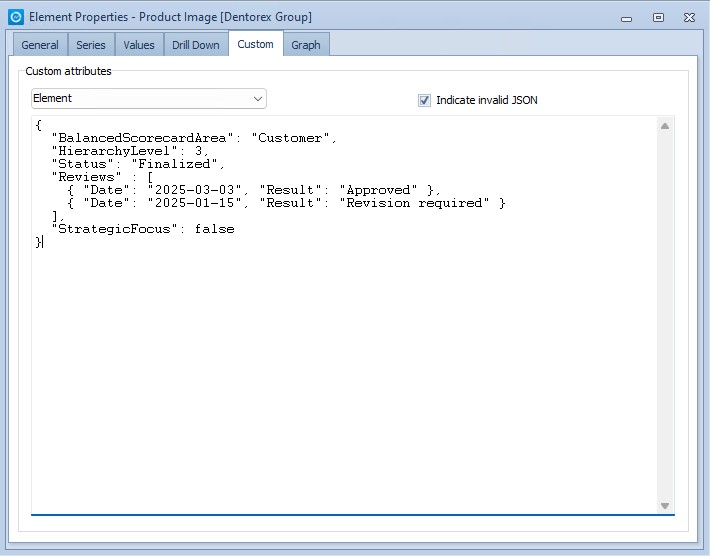
Administrator users can access and modify the content of the custom text fields of elements and their related objects also in Metrics Client via the Custom tab of the Element Properties dialog. The dropdown box can be used to select which object's custom text field is being shown and modified. If the "Indicate invalid JSON" checkbox is ticked, its label will be shown in color red whenever the current content of the custom text field cannot be parsed as valid JSON. Any changes made to the custom text are saved when exiting the text field (for example via TAB key, or clicking another user interface element on the tab, or opening another tab).